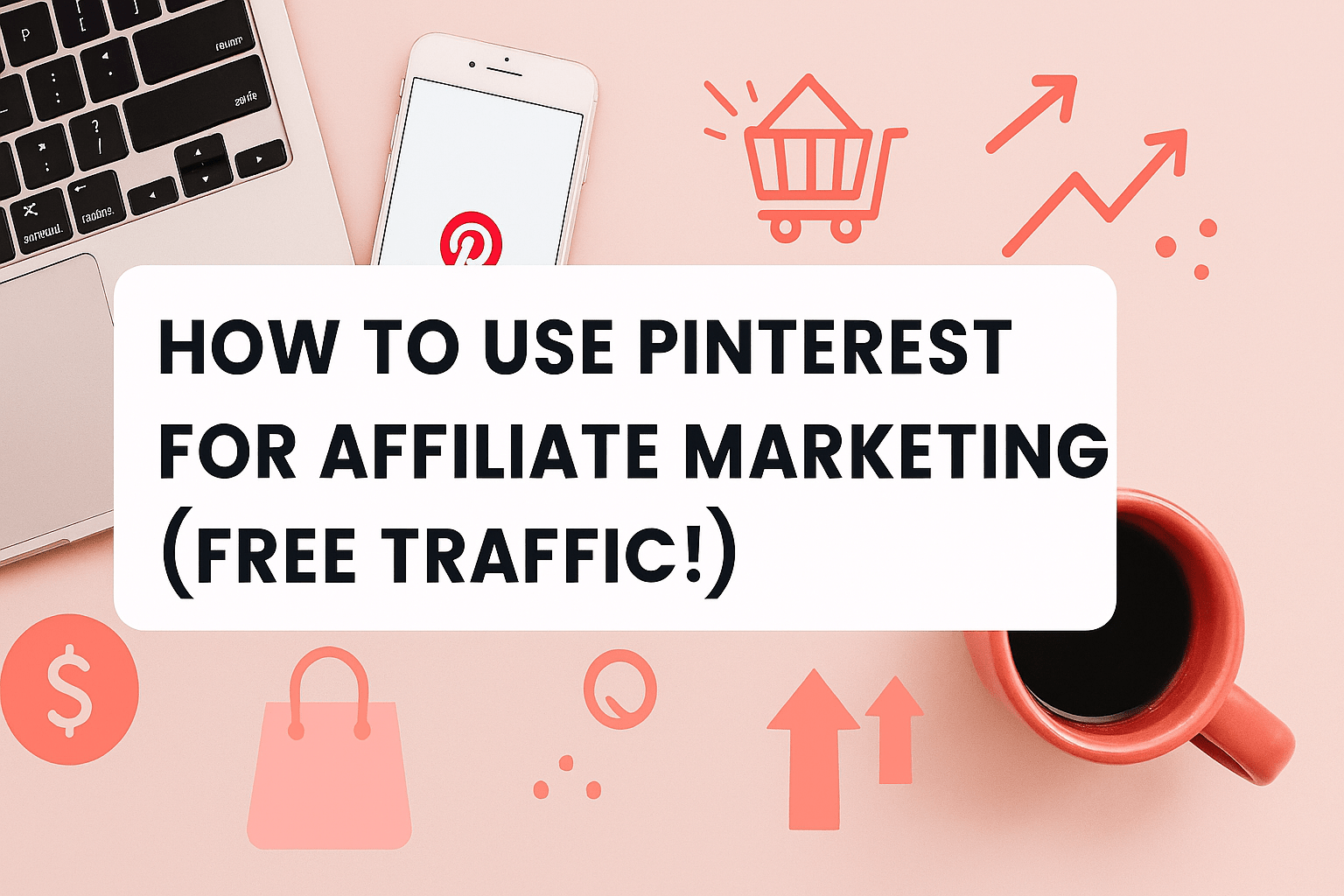
How to Use Pinterest for Affiliate Marketing (Free Traffic!)
Introduction
If you’re tired of relying on expensive ads or fighting Google’s algorithm, Pinterest for Affiliate Marketing might be your next big win. Pinterest isn’t just a place for recipes and home décor inspo anymore — it’s a visual search engine with over 400 million active users looking for ideas, products, and solutions every month.
🔗 Related Articles:
How to Get Buyer Traffic in 2025 – 7 Proven Ways to Attract People Ready to Buy
How to Use TikTok for Affiliate Marketing 2025
Top 5 Free Apps to Make Viral Reels and Shorts
In our view, Pinterest is a goldmine for affiliate marketers who want free traffic and a long-term audience. The best part? Pins can rank and send you clicks for months, even years, after you post them.
Why Pinterest for Affiliate Marketing Works
Unlike Instagram or TikTok, Pinterest is built around search-based discovery. People go there with intent — they’re searching for “best skincare products,” “DIY home office setup,” or “cheap travel tips.” If you create content around these searches and link your affiliate products, you can attract buyers without selling hard.
Fans are reacting positively to Pinterest strategies because:
- Pins last longer compared to social media posts.
- You don’t need to show your face (great for faceless creators).
- Organic reach is still strong, unlike many other platforms.
Setting Up Your Pinterest Account for Affiliate Marketing
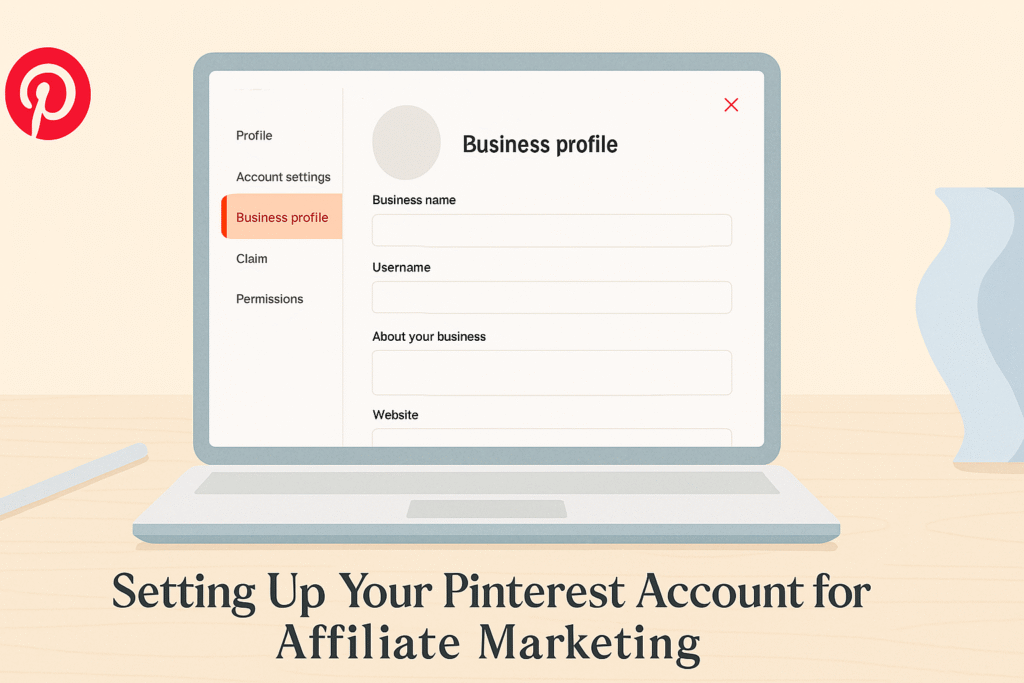
Before you pin anything, make sure your account is optimized.
Switch to a Pinterest Business Account
It’s free and gives you access to analytics, rich pins, and more features.
Write a Keyword-Rich Bio
Include your niche and the phrase Pinterest for Affiliate Marketing in your profile description. This helps Pinterest understand what your content is about.
Choosing the Right Niche and Keywords
You can’t succeed with Pinterest if you don’t know what people are searching for.
Do Keyword Research on Pinterest
Type your niche into the Pinterest search bar and look at the auto-suggestions. These are your goldmine of long-tail keywords like:
- “Pinterest affiliate marketing without blog”
- “Pinterest free traffic strategy”
- “Pinterest pins that convert”
Use these in your pin titles, descriptions, and boards.
Creating Pins that Get Clicks
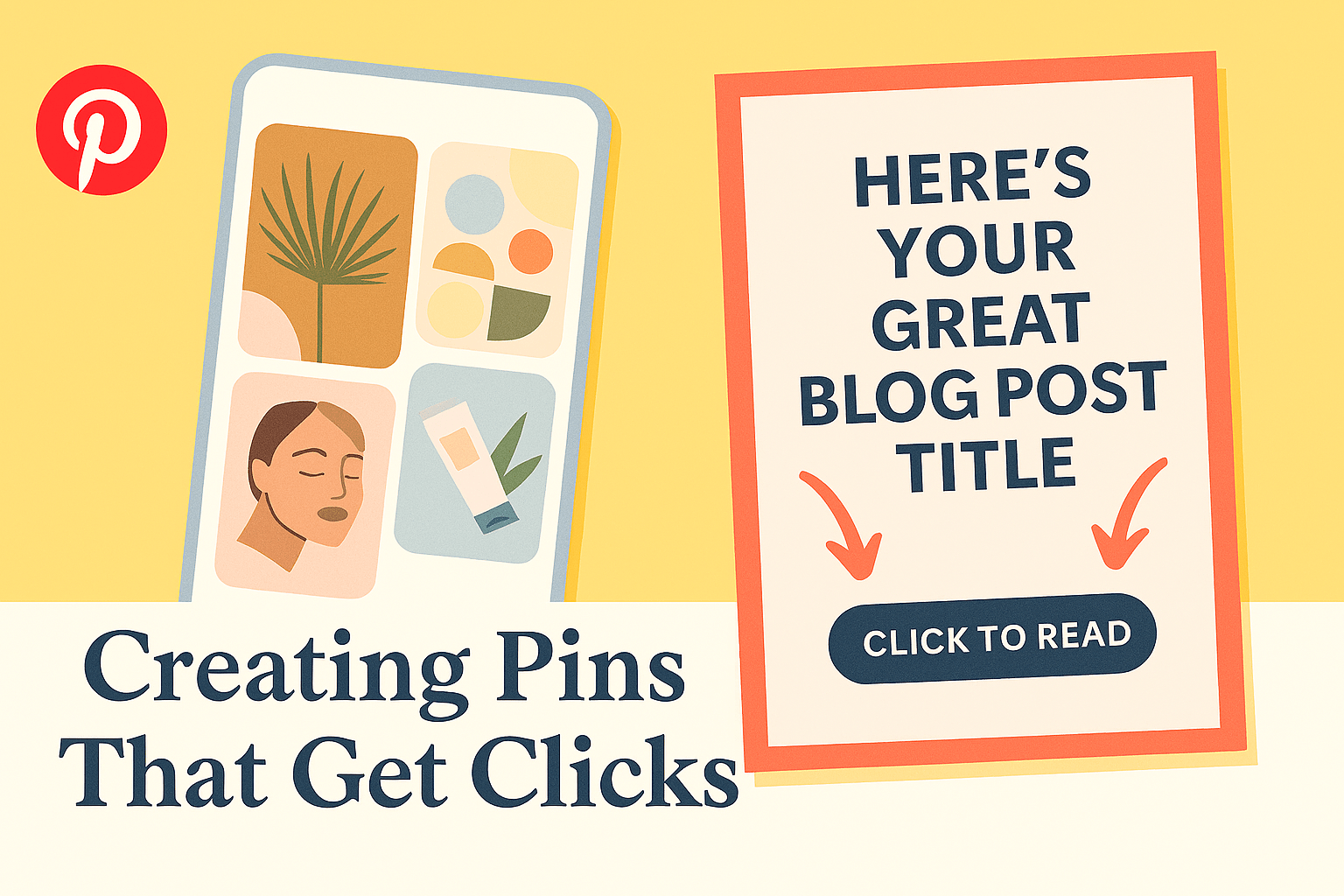
Your pin design matters. Think of your pins as mini billboards.
Design High-Quality Pins
Use Canva or any free design tool to create vertical pins (1000 x 1500 px). Add eye-catching text like “Best Skincare Products for Glow” or “Secret Ways to Make Money Blogging.”
Add Compelling Descriptions
Use the focus keyword naturally:
Example: “Discover how to use Pinterest for Affiliate Marketing to get free traffic to your blog or affiliate links.”
Experiment with Idea Pins
Pinterest is pushing Idea Pins right now. Use them to share mini tutorials, lists, or product recommendations.
Best Practices for Linking Affiliate Products

Linking correctly is key.
Direct Linking vs. Blog Linking
You can link directly to affiliate products, but we recommend linking to your blog first. That way, you can collect emails and build an audience you own.
Disclose Your Affiliate Links
Add a simple disclosure like “This post contains affiliate links. We may earn a small commission at no extra cost to you.” This keeps you compliant with Pinterest and FTC guidelines.
Tracking Your Results
Pinterest gives you built-in analytics so you can see which pins get clicks. Use this data to double down on what’s working.
My Thoughts on Pinterest for Affiliate Marketing

In my view, Pinterest is one of the most underrated platforms for affiliate marketing. I love how it keeps working for you after the first pin — unlike Instagram where your content dies in 24 hours. If you want passive clicks and sales, Pinterest is worth the effort.
Common Mistakes to Avoid
- Spamming links without valuable content
- Ignoring keyword research
- Using low-quality images
- Giving up too early (Pinterest can take 3-6 months to show results)
Final Thoughts

If you’re serious about affiliate marketing, give Pinterest a try. It’s free, it’s proven, and it works even if you’re a beginner. Focus on creating helpful content, optimizing your pins, and staying consistent.
In our view, Pinterest for Affiliate Marketing is not just a strategy — it’s a long-term traffic source that keeps paying you back.